
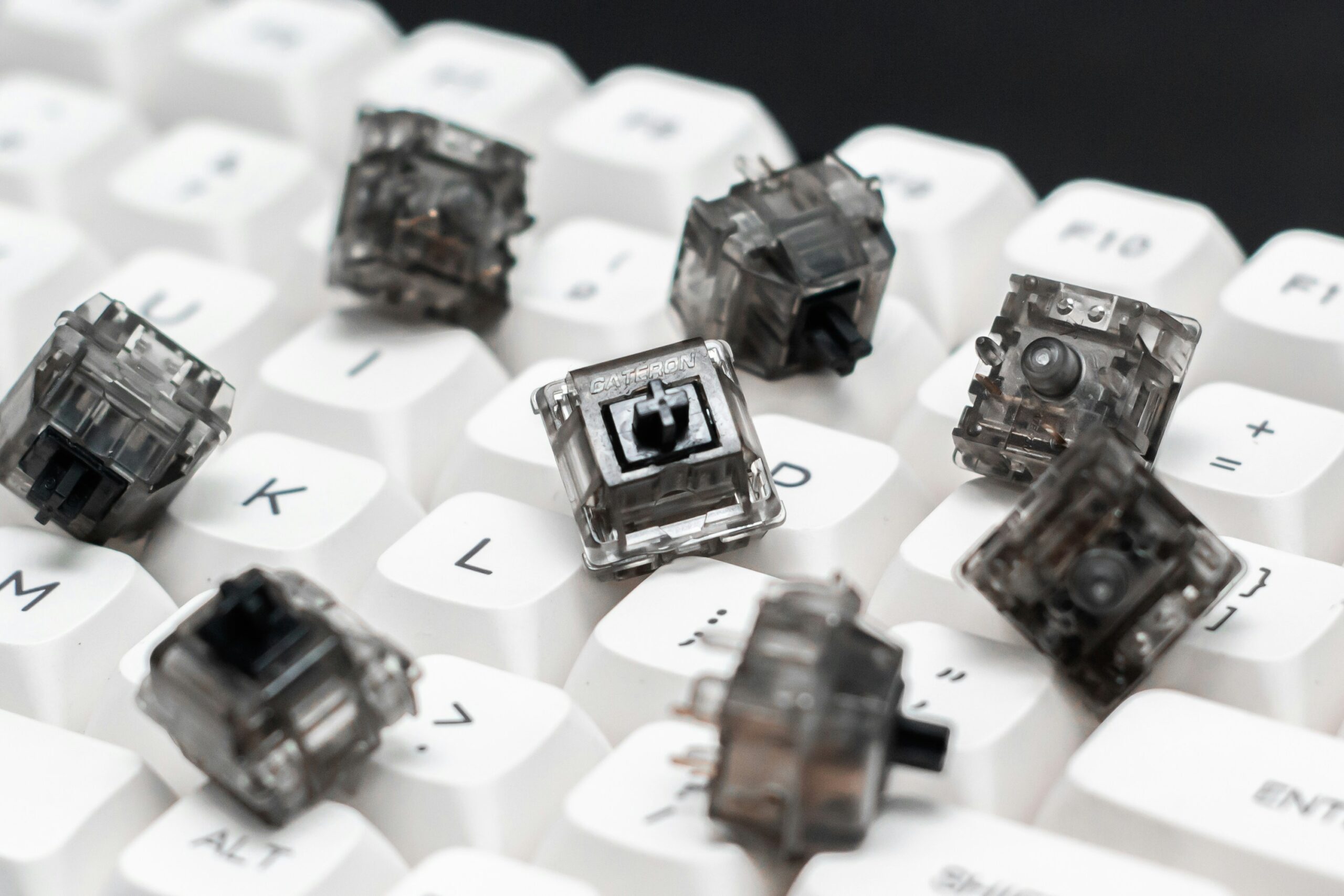
- Intro to Linear vs Tactile Switches 101
- What Is a Mechanical Keyboard Switch Type and Why It Matters
- Linear Switch Explained: Why Linear Switches Feel Smooth
- Tactile Switch Explained: Why Many Users Prefer Tactile Feedback
- Linear vs Tactile Switches: The Core Difference
- Linear vs Tactile for Gaming: Which Performs Better?
- Types of Mechanical Keyboard Switches: Popular Options
- How to Choose Between Linear and Tactile Switch Types
- Conclusion
- FAQs
Intro to Linear vs Tactile Switches 101
When buying a mechanical keyboard, one of the most important decisions you’ll make is picking your right switch. Among enthusiasts and gamers, the discussion often centers around one major topic: linear vs tactile switches.
At first glance, the difference may seem small. Every keyboard key still performs the same function — registering a key press when you type. But once you start using different switch designs, you quickly realize that each switch type creates a completely different typing experience.
Some users prefer linear switches because linear switches provide a smooth, uninterrupted keystroke that feels effortless during fast-paced gaming. Others prefer tactile switches because the tactile feedback helps confirm when a key has actuated, improving accuracy during long writing sessions.
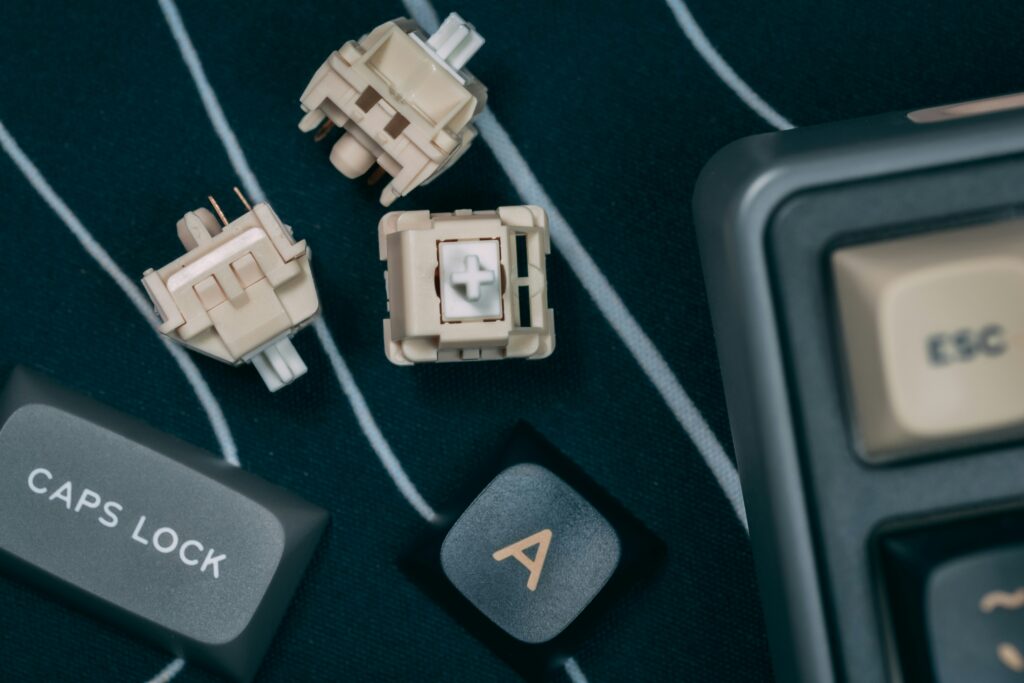
What Is a Mechanical Keyboard Switch Type and Why It Matters
Mechanical Keyboard Switch vs Membrane Keyboard
A mechanical keyboard switch is the small mechanism underneath each keycap that registers every keystroke you make. Unlike a membrane keyboard — which uses a rubber dome to register inputs — a mechanical keyboard uses a spring-and-stem mechanism for each individual key. These mechanical switches are designed to deliver consistent performance and durability, often lasting tens of millions of cycles.
The switch type determines how keys feel when you type, how loud each press is, how much resistance the key provides, and how fast the keyboard responds during gaming. There are several types of mechanical keyboard switches, but the two most commonly compared are the linear switch and the tactile switch.
A linear switch creates a smooth and consistent keystroke without any tactile feedback — the key travels straight down with no interruption. A tactile switch introduces a small tactile bump during the press, signaling the actuation point. This fundamental difference between linear and tactile designs shapes the entire experience at your keyboard.
Linear Switch Explained: Why Linear Switches Feel Smooth
How a Linear Switch Works During a Keystroke
A linear switch is known for its smooth, uninterrupted key travel. When you press a key, the movement goes straight down without any resistance point. Linear switches have a smooth force curve that stays predictable from top to bottom — every single keystroke feels identical. Linear switches feel effortless, like the keyboard is working with your fingers rather than pushing back.
Because a linear switch delivers a keystroke without any tactile feedback, your finger moves quickly and consistently without fighting resistance. This is why linear switches are ideal in situations where rapid input matters most. In fast-paced gaming — shooters, real-time strategy, battle royales — players need to press keys repeatedly in quick succession. Linear switches excel precisely in gaming where speed and fluid motion are priorities, and the lack of feedback that some users find disorienting is, for competitive players, a genuine advantage.
Examples of linear switches include the Cherry MX Red, Gateron Yellow, and Kailh Speed Silver. Linear switches offer a smooth experience that also tends to be quieter than tactile designs, since there’s no bump mechanism generating additional noise mid-travel. Manufacturers even produce silent switches in this family to reduce sound even further, making them ideal for offices where keyboard noise is a concern. The trade-off is that linear switches might take adjustment for users coming from a tactile keyboard or a membrane keyboard, since there’s no physical cue confirming each press.
Tactile Switch Explained: Why Many Users Prefer Tactile Feedback
How a Tactile Switch Creates Its Bump
A tactile switch introduces a deliberate resistance point during a press — the tactile bump — positioned at the actuation point to physically signal the moment the key registers. Tactile switches have a noticeable resistance that allows you to stop pressing once the key activates, rather than pushing all the way down. Over thousands of keystrokes per day, that distinction adds up to real ergonomic benefit.
Tactile switches provide a feedback loop that many typists find essential for accuracy. Tactile switches provide a noticeable improvement for users transitioning from linear or membrane keyboard setups. Tactile switches include options like the Cherry MX Brown, Gateron Brown, Boba U4, and Holy Panda. The Cherry MX Brown delivers tactile feedback and moderate sound with a gentle bump that’s approachable for users new to mechanical keyboards. Silent tactile options like the Boba U4 preserve the bump while dampening sound — excellent for shared workspaces.
Tactile switches offer a middle ground between speed and confirmation. Tactile and clicky switches both provide physical feedback, but tactile switches do so without a sharp audible click. Tactile switches differ from one another in bump intensity and actuation force, so finding your ideal option often involves some experimentation. For people who prefer tactile feedback, the physical response during every press helps maintain accuracy and rhythm across extended keyboard sessions.
Linear vs Tactile Switches: The Core Difference
Feel and Sound: Tactile vs Linear
The core of the linear vs tactile discussion lies in feedback and movement. A linear switch creates a smooth and consistent keystroke without any tactile feedback — the key travels straight down with nothing interrupting the motion. A tactile switch, by contrast, switches have a noticeable bump that produces physical confirmation during the press. That’s the entire difference between linear and tactile in mechanical terms, but its real-world impact is enormous.
Tactile switches differ from linear ones in how they shape behavior at the keyboard. With a tactile switch, you naturally learn to stop pressing once you feel the bump — lighter, more controlled keystrokes, less bottoming out. Linear and tactile switches both have devoted communities, and the tactile vs linear debate has no universal winner. Switches offer distinct experiences: some users prefer linear switches because the smooth motion allows rapid input, while others prefer tactile because the bump confirms each press with physical precision. Switches could be further customized through lubing and dampening, but the linear vs tactile switches choice always comes back to feedback versus flow.
Linear vs Tactile for Gaming: Which Performs Better?
Gaming and Tactile vs Linear Switch Performance
When discussing switches for gaming, speed and consistency matter most. Linear switches are ideal for gaming because they switches provide extremely smooth movement with no resistance spike slowing down rapid keystrokes. Linear switches excel in fast-paced gaming scenarios where triggering keys quickly provides a measurable competitive advantage. Many competitive players prefer linear switches for exactly this reason.
That said, gaming and tactile preferences genuinely coexist. Some players actually prefer tactile feedback during gaming because switches have a noticeable bump that helps prevent accidental double-taps during complex commands. Switches are also a reasonable choice for strategy games or RPGs where deliberate, confirmed presses matter more than raw speed. Switches are ideal for mixed-use setups — the bump helps with both gaming precision and typing accuracy. Go with linear for FPS and battle royale; consider tactile for slower, more deliberate gaming scenarios where confirmation matters.
Types of Mechanical Keyboard Switches: Popular Options
Linear and Tactile Switches Compared
There are many types of mechanical keyboard switches, but most everyday users land in one of two camps. Popular linear switches — Cherry MX Red, Gateron Yellow, Kailh Speed Silver — are switches are known for effortless, fast actuation and quiet operation. Popular tactile switches — Cherry MX Brown, Boba U4, Holy Panda — are switches are known for their satisfying bump and improved typing accuracy.
Tactile switches include options at every price point, from budget Gateron Browns to premium Holy Pandas. Linear switches offer equally broad variety. Even silent switches in both families deliver excellent feel and sound profiles — the MX Silent Red for linear users, the Boba U4 for silent tactile fans. Switches are a great choice across both families; the goal is simply finding your match. Switches are designed to serve different needs, and both families deliver outstanding typing experience when matched to the right user.
How to Choose Between Linear and Tactile Switch Types
Choose Between Linear or Tactile Based on Your Needs
If you’re trying to choose between linear and tactile switches, think honestly about how you use your keyboard most often. Switches might seem interchangeable until you’ve used both — then the difference between linear and tactile becomes impossible to ignore. Find tactile switches distracting during rapid gaming? Go with linear. Find linear switches too unconfirming during long typing sessions? Try a tactile.
Switches depends on your hands, your habits, and your environment. Linear switches might encourage bottoming out more frequently since there’s no physical cue to stop mid-travel. Switches feel very different in a 30-second demo versus eight hours of actual work. Typing speed doesn’t automatically improve with either switch type — your technique matters more than your hardware. But the right switch reduces fatigue and makes long sessions genuinely more enjoyable. Linear or tactile switches both create excellent experiences — the key is matching the switch to your workflow. If you’re new to mechanical keyboards, a switch tester is a small investment that saves you from a much more expensive mistake on a new keyboard.
Conclusion
The linear vs tactile debate comes down to one question: do you want your keyboard to stay out of your way, or do you want it to guide your fingers? Linear switches are ideal for speed and smooth, quiet operation. Tactile switches are best for typing accuracy and long productivity sessions. The best switches are simply the ones that match how you use your keyboard every day.
FAQs
Q1: What is the main difference between linear and tactile switches?
The core difference between linear and tactile is physical feedback. A linear switch travels smoothly from top to bottom — a keystroke without any tactile feedback — while a tactile switch has a deliberate tactile bump at the actuation point that confirms the key has registered. Linear switches suit gamers and fast typists; tactile switches suit writers and anyone who benefits from keystroke confirmation.
Q2: Are linear or tactile switches better for gaming?
Linear switches are generally considered the best for gaming, especially in fast-paced gaming scenarios. Their smooth, uninterrupted actuation allows rapid, repeated keystrokes without resistance. That said, gaming and tactile preferences do coexist — some players prefer tactile feedback for more deliberate genres. Linear switches excel in speed-focused competitive play, but the best choice is always the one that feels right after real use.
Q3: Can I use the same switches for both gaming and typing?
Absolutely — typing and gaming needs overlap more than people expect. A medium-weight tactile switch like the Cherry MX Brown handles both reasonably well, offering tactile feedback and moderate sound without significantly slowing gaming inputs. Linear or tactile switches both work for dual-purpose setups; it comes down to whether you prioritize smoothness or feedback as your primary value.
0 Comments